
Image to Video AI Generator for creators and teams
DreamFan - Image to Video AI Generator
Upload an image, describe motion, and generate videos for ads, social, products, and explainers. Includes text-to-image, image-to-image, and video-to-video.


Convert static images to dynamic videos
Upload a target frame to guide video generation
Tip: Be detailed and specific for better results. Describe the subject, style, lighting, mood, and composition.
Output count
1x
Example Gallery
See what you can create with image to-video
Text to Video
Generate video scenes from text prompts when you do not have source footage or a starting image.
Image to Video
Use the Image to Video AI Generator to animate photos, product shots, portraits, graphics, and concept frames.
Video to Video
Transform existing video into a new style, mood, or creative direction with video-to-video generation.
Why DreamFan Works as an Image to Video AI Generator
Generate from images, create source assets, edit visuals, and transform video
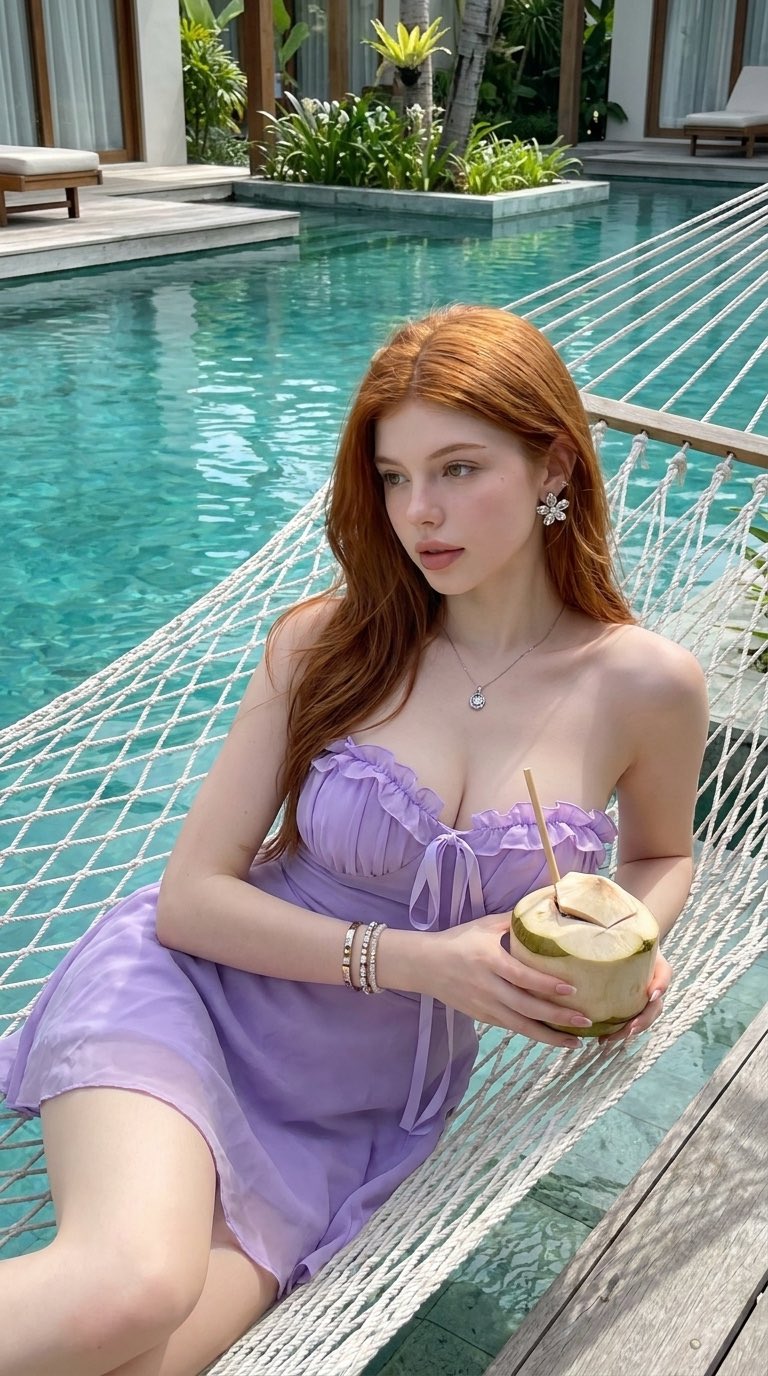
Generate video from a single image without opening a complex editing timeline.
Create source visuals with text-to-image when you need a frame before starting image-to-video generation.
Use image-to-image editing to improve style, background, or composition before animating a visual.
Transform existing clips with video-to-video when you already have footage but need a new look.
Keep image creation, image editing, image-to-video generation, and video transformation inside one workflow.
How the Image to Video AI Generator Works
Upload an image, write motion instructions, and generate video
Upload an Image
Start with a product photo, portrait, artwork, graphic, or concept frame. DreamFan uses the source image as the visual foundation for image-to-video generation.
Describe the Motion
Write a prompt for camera movement, subject action, speed, mood, lighting, and output purpose. Direct instructions help the Image to Video AI Generator produce cleaner clips.
Choose a Workflow
Use image-to-video for animation, text-to-image for new source visuals, image-to-image for edits, or video-to-video for transforming existing footage.
Generate and Refine
Review the output, revise the prompt or source image, and generate another version until the clip fits your campaign, post, product page, or presentation.
A Complete AI Generator for Visual Media
Image to video, text to image, image to image, and video to video
DreamFan centers on Image to Video AI generation while also supporting text-to-image creation, image-to-image editing, and video-to-video transformation. Create source visuals, animate images, revise outputs, and restyle videos without switching tools.
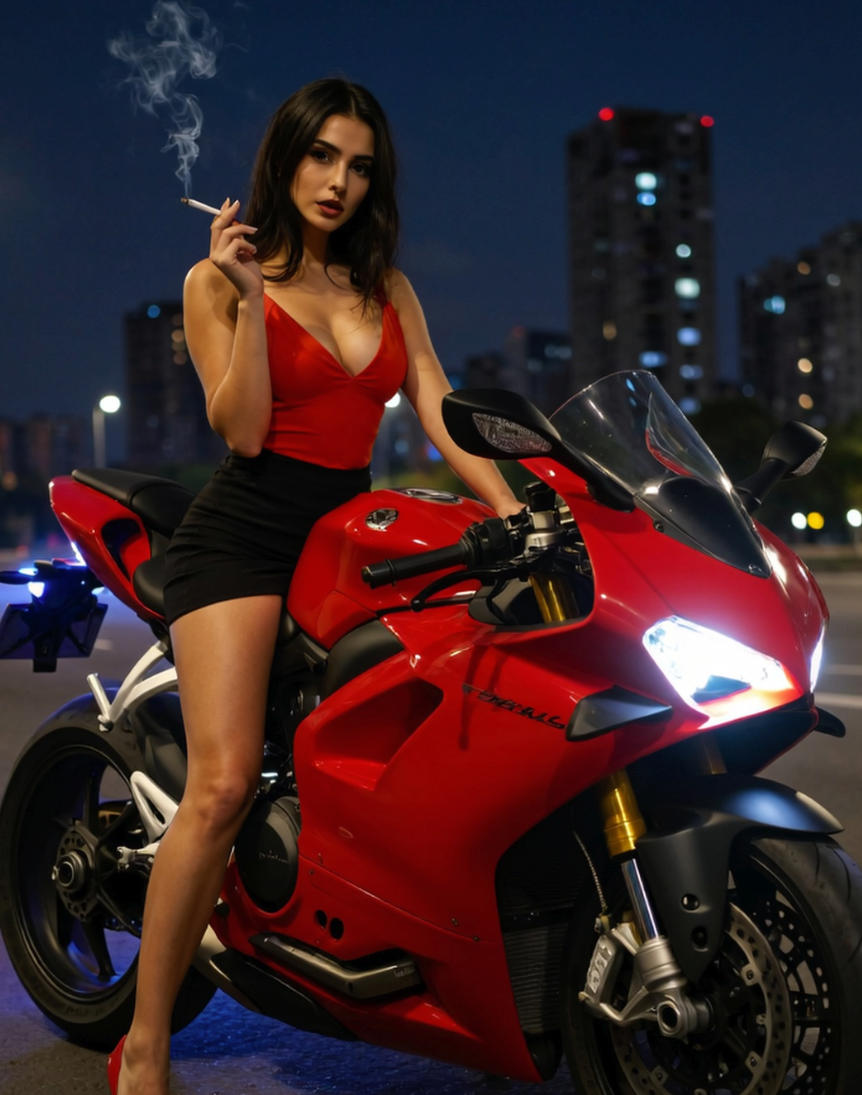
Image to Video Generation
Upload a still image and generate a moving clip with camera motion, subject movement, atmosphere, and platform-ready pacing.
Text-to-Image Creation
Create source images from prompts when you do not already have a photo, product visual, character frame, or campaign asset.
Image-to-Image Editing
Revise source images before animation by changing background, style, composition, lighting, or visual direction with prompt-based edits.
Video-to-Video Transformation
Use an existing clip as input and transform its look, style, mood, or presentation for a new creative direction.
Use Cases for Image to Video and AI Media Generation
DreamFan supports creators and teams that need to generate images, edit images, animate images, and transform videos.
Turn Product Images into Video Ads
Use the Image to Video AI Generator to animate product shots, campaign stills, and brand visuals into short clips for ads, launches, and landing pages.
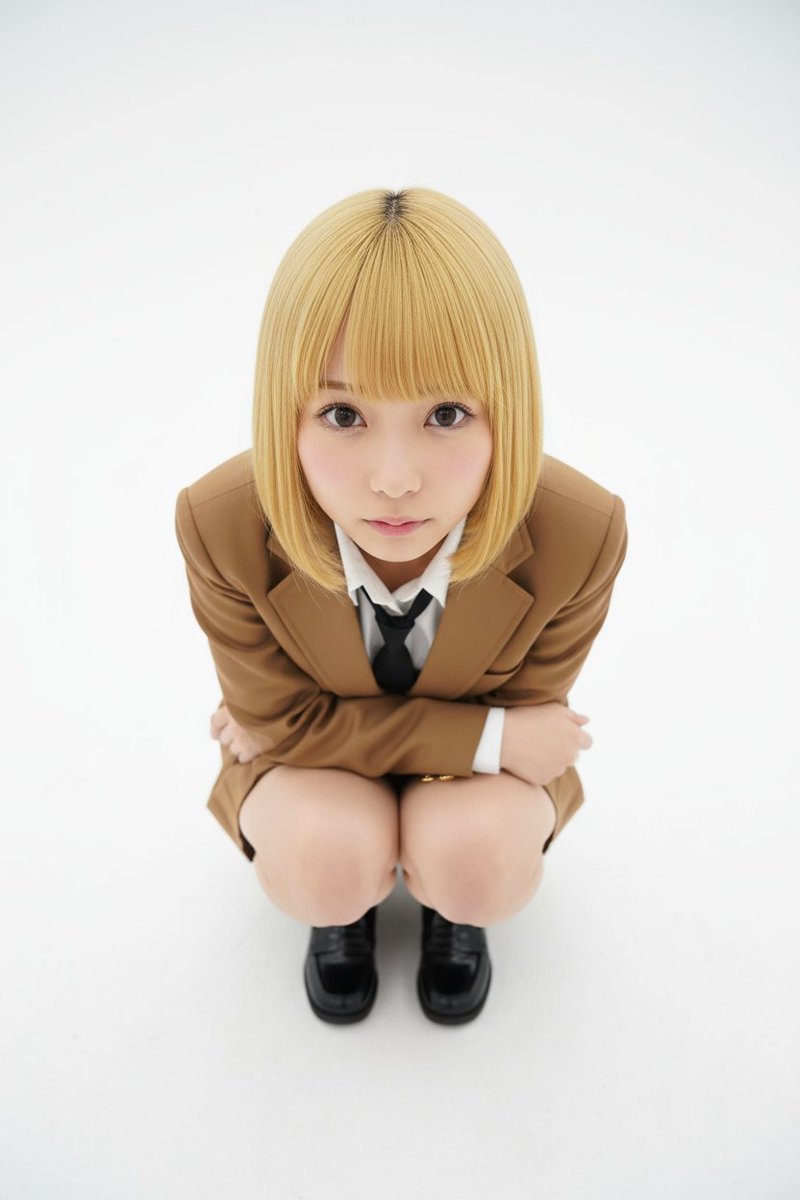
Image to Video Results, AI Images, and Video Transformations
Explore examples from DreamFan tools, including Image to Video AI, text-to-image generation, image-to-image editing, and video-to-video transformation.
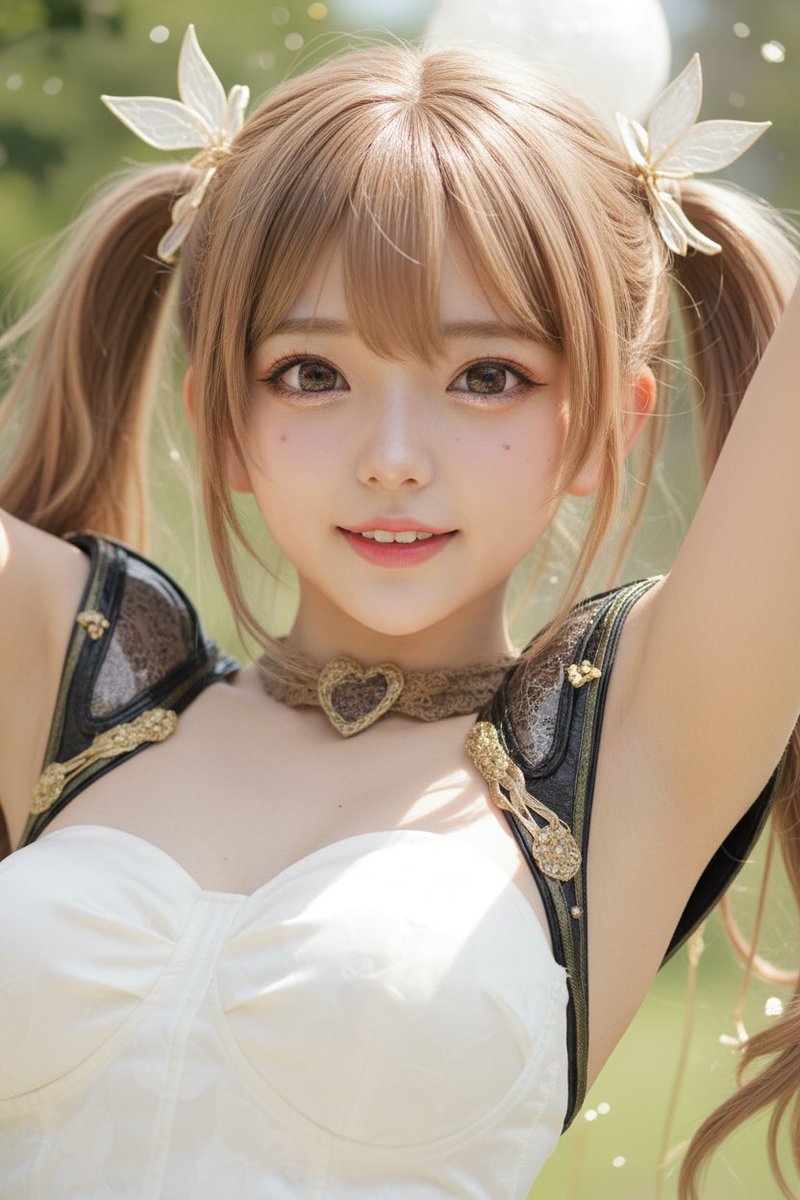
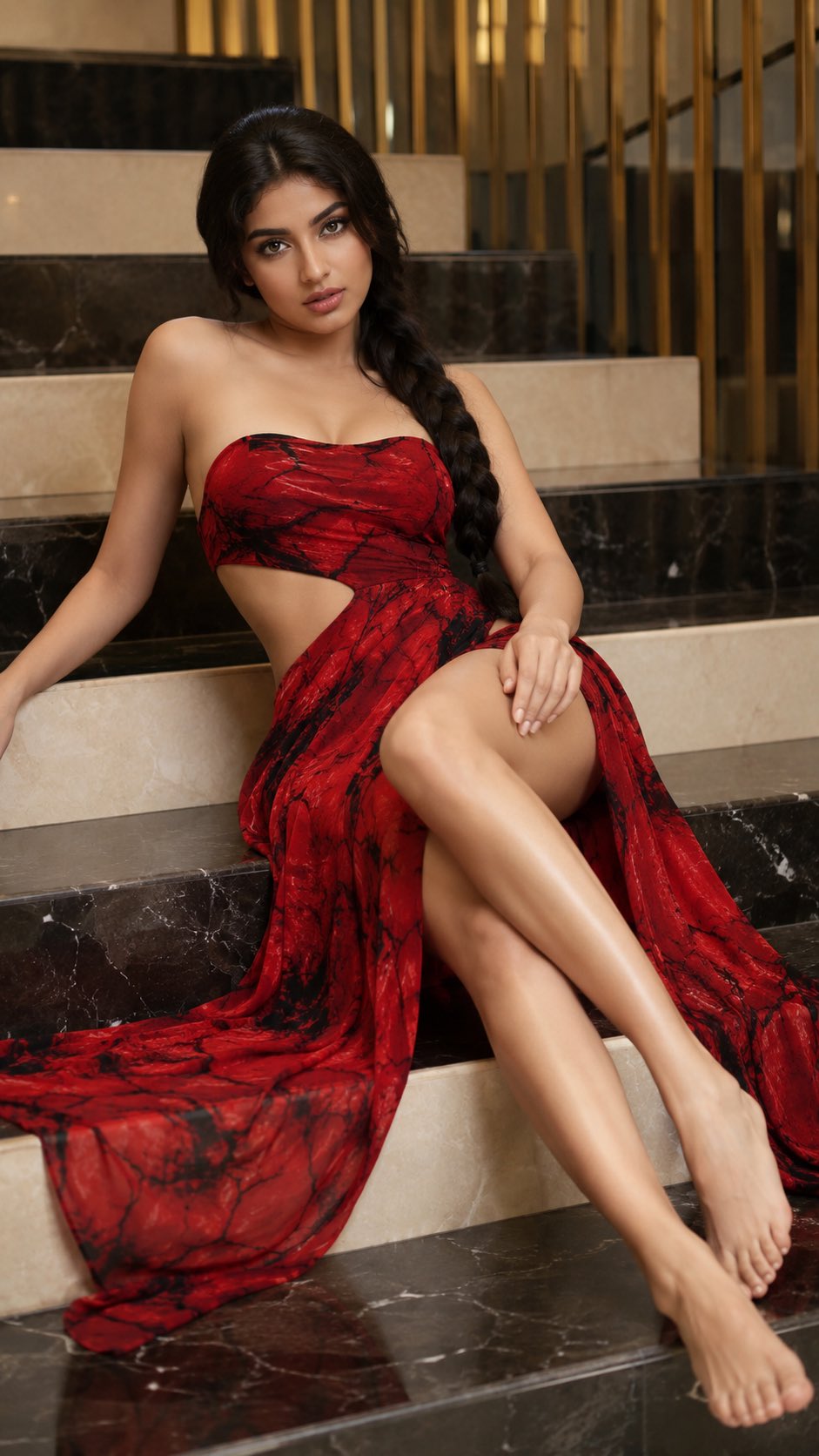
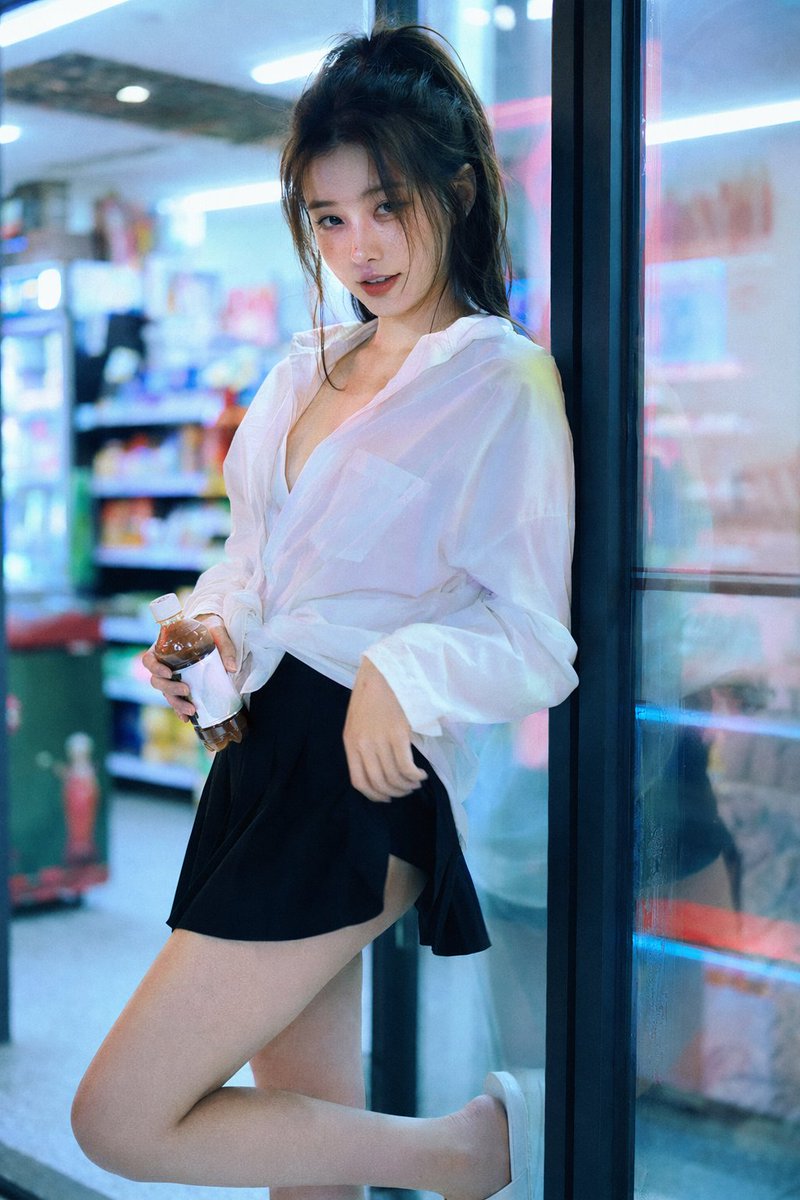
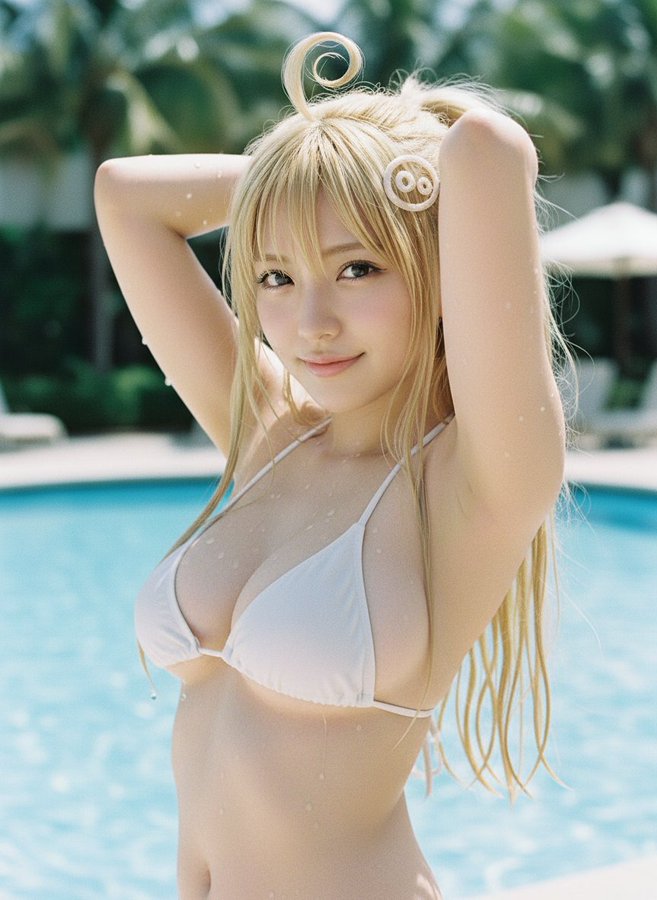
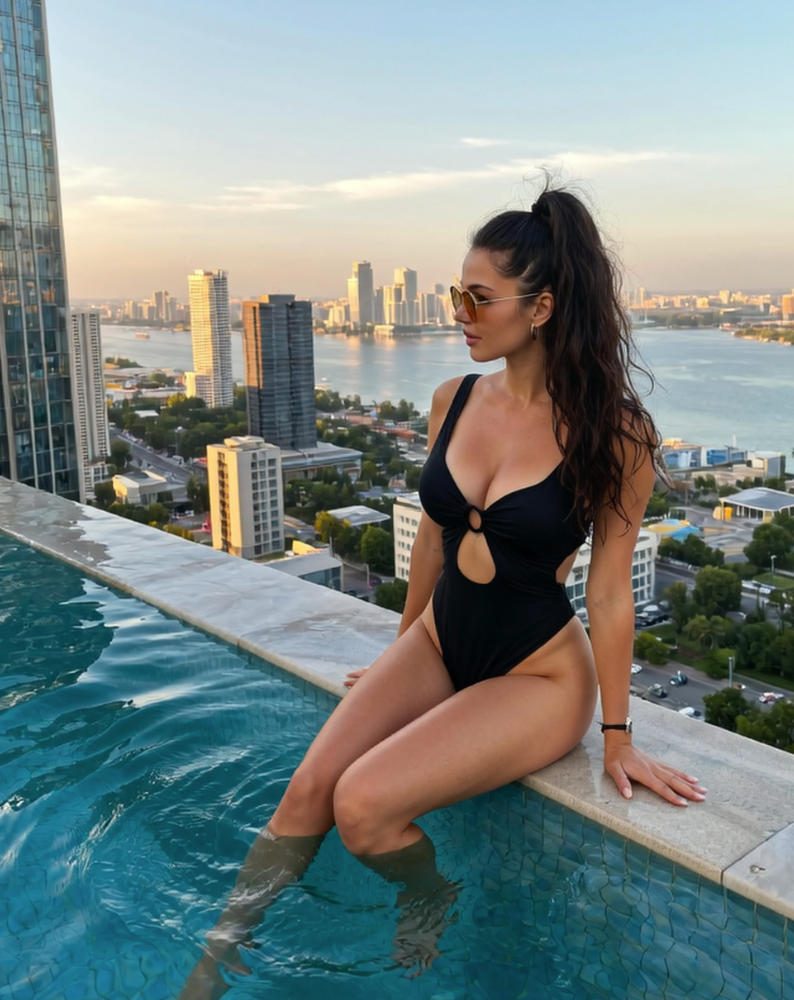
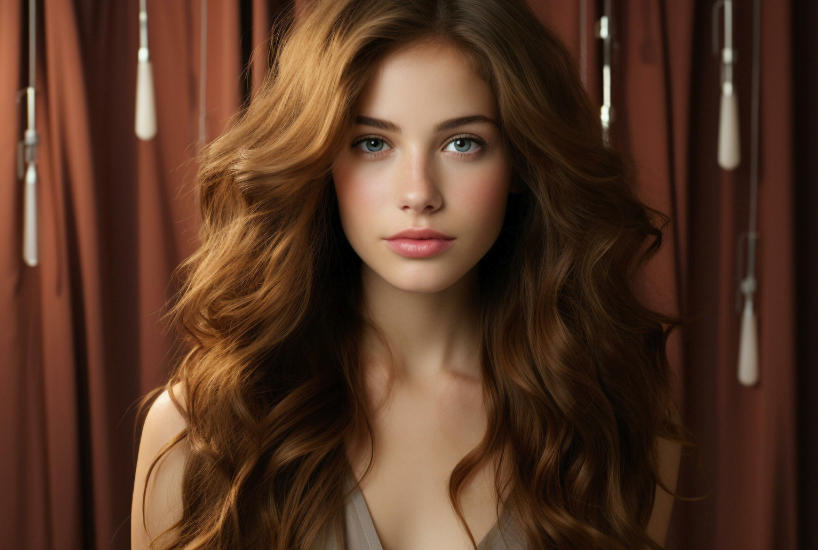
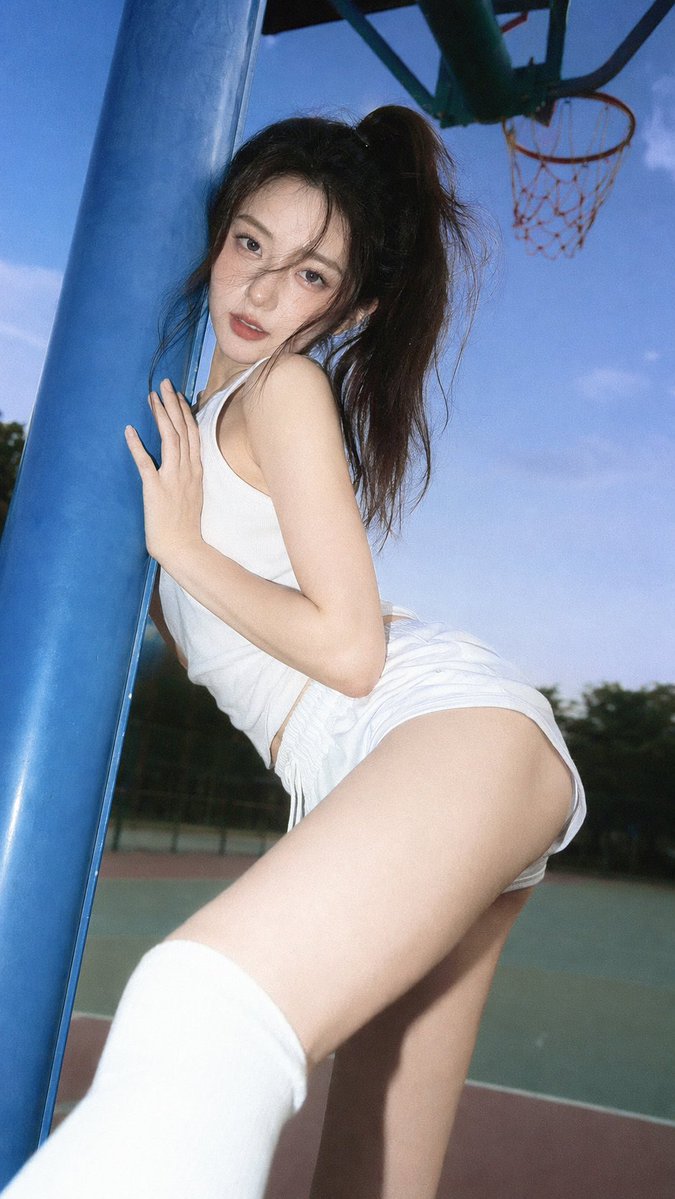
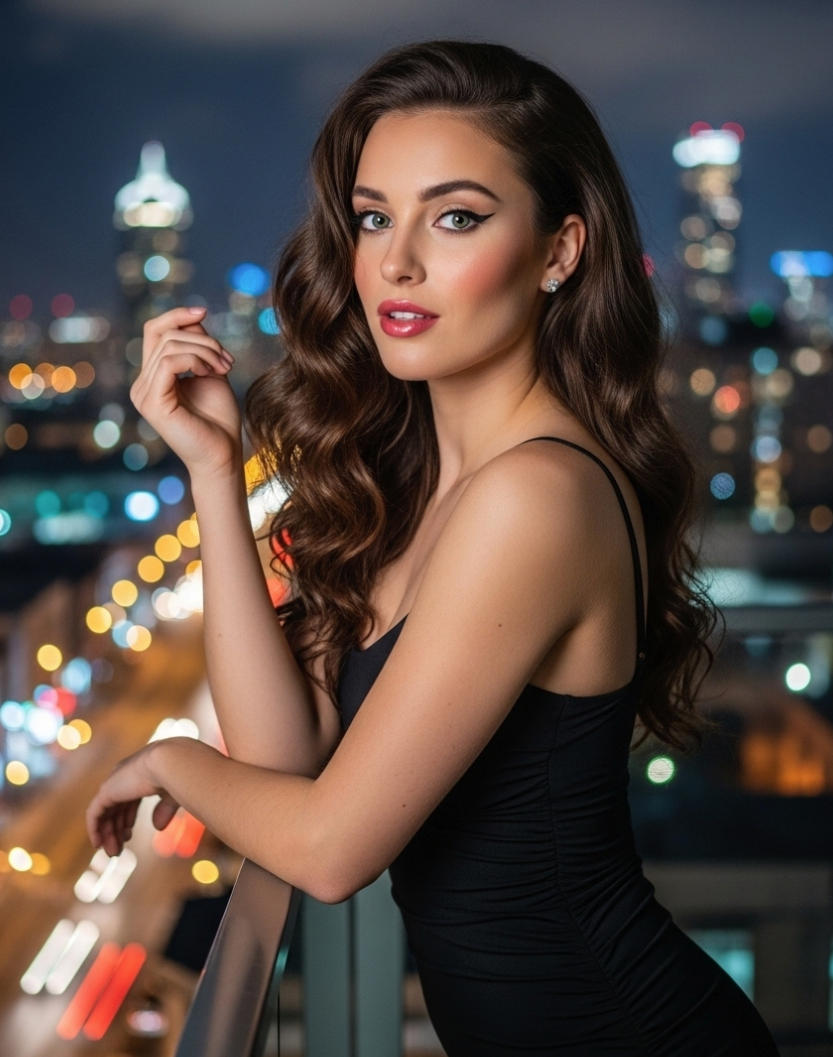
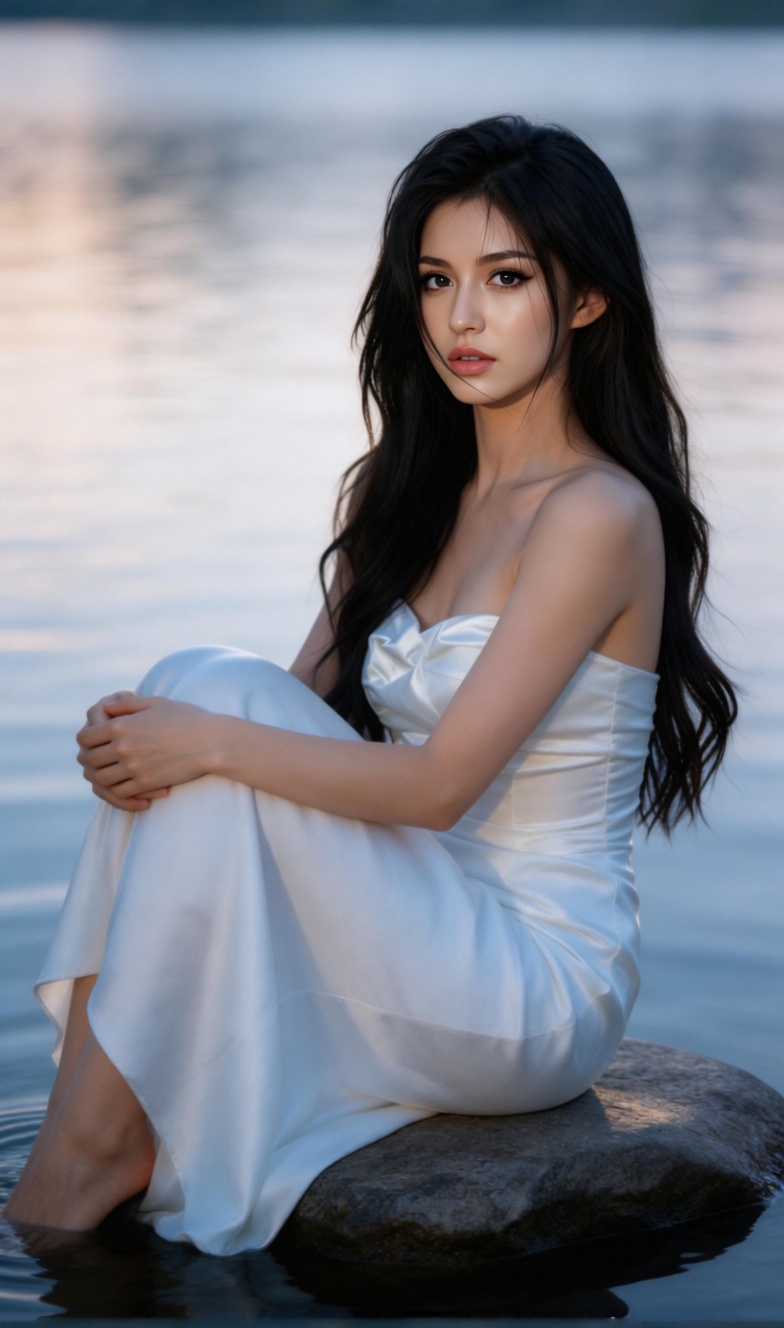
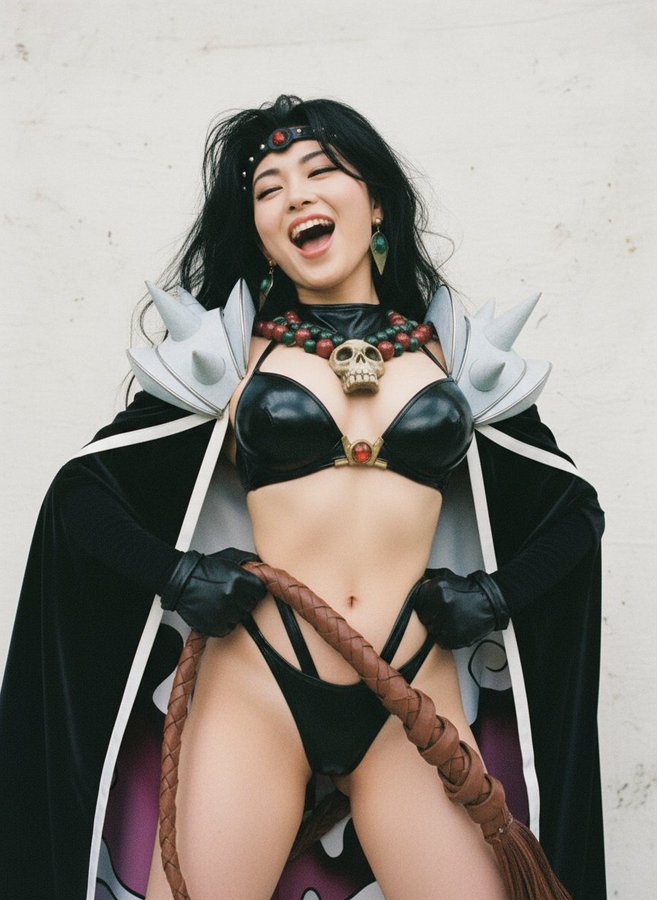
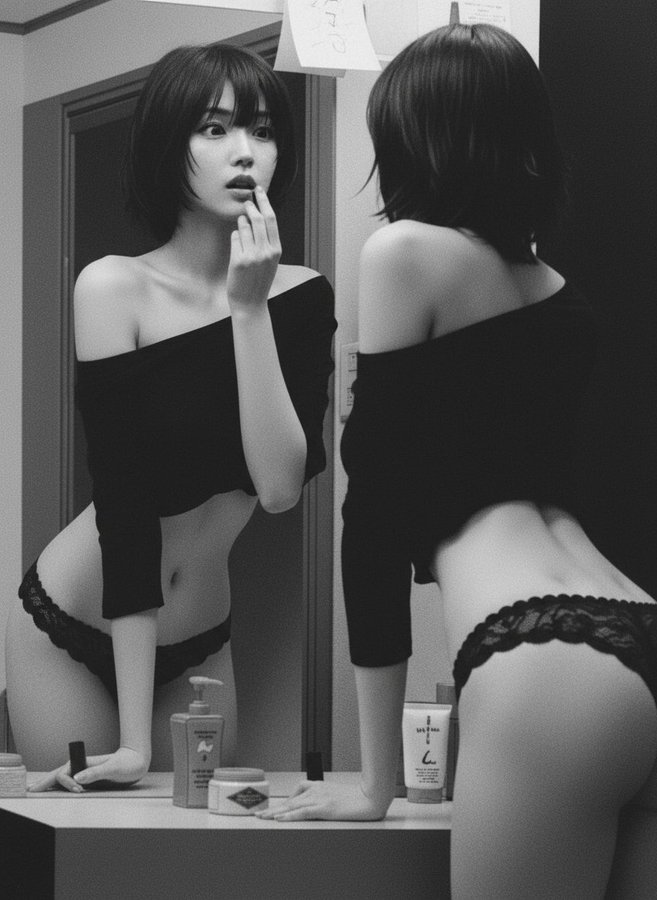
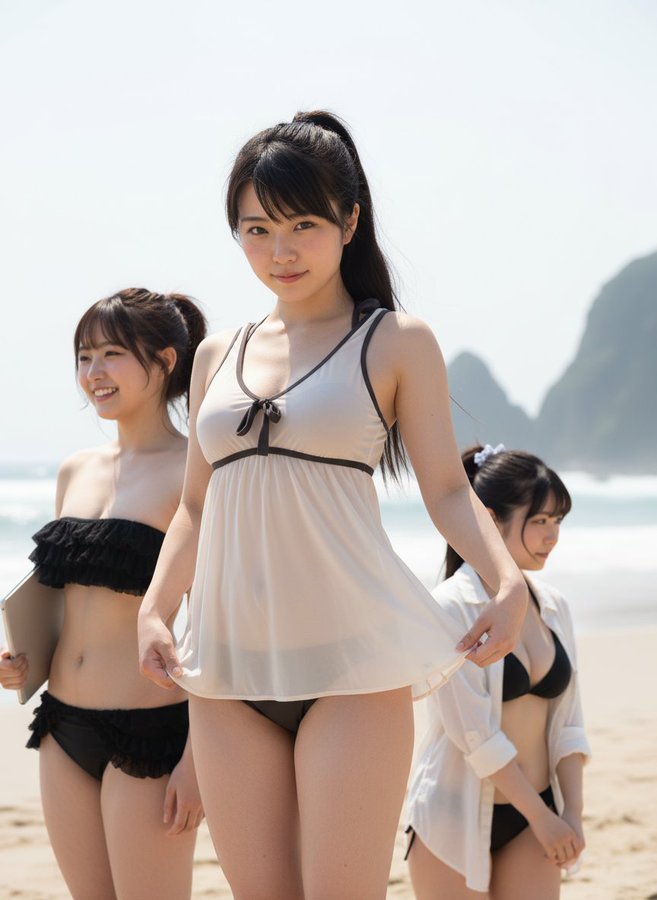
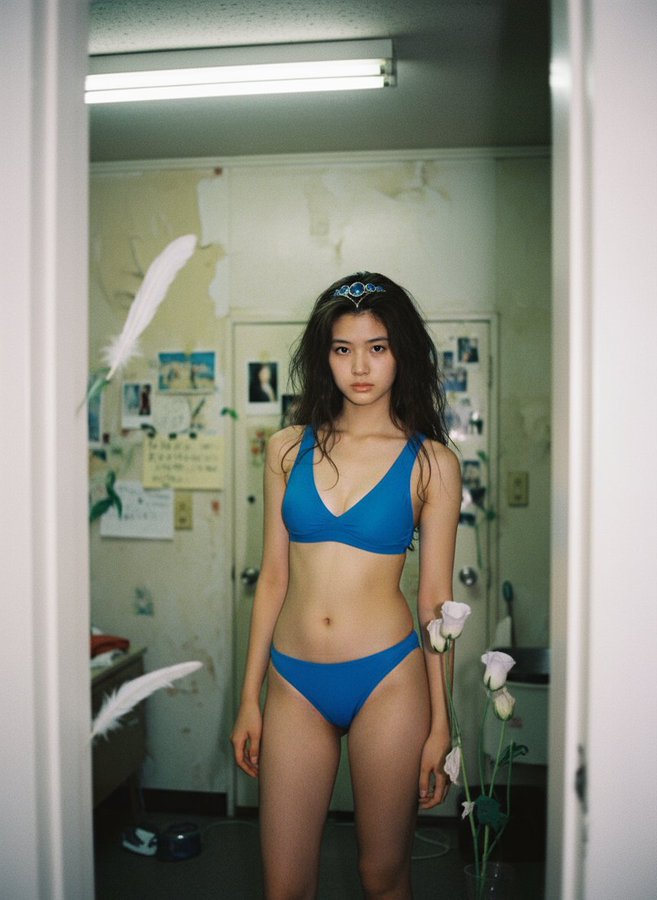
DreamFan examples are AI-generated synthetic media showing image-to-video, text-to-image, image-to-image, and video-to-video workflows.
Image to Video AI Generator FAQ
Answers about DreamFan image-to-video, text-to-image, image-to-image, and video-to-video tools
Still have questions? DreamFansupport can help with setup, workflows, and account guidance.
Start with an Image. Generate a Video.
Open DreamFan to use Image to Video AI, text-to-image, image-to-image, and video-to-video workflows. Generate clips for ads, social posts, products, explainers, and creative tests from one AI workspace.
Explore prompts, source image ideas, editing patterns, and generation workflows from creators using DreamFan AI tools.
Generate videos from images, create source visuals, edit images, and transform footage for social feeds, product pages, ads, and presentations.
Use DreamFan to create and refine AI media across brand, education, marketing, e-commerce, and creator workflows.
Made for creators who need a practical Image to Video AI Generator and connected AI image/video tools